Creating Training Plans That Clients Actually Follow
Learn how to build training plans clients complete consistently by improving plan clarity, progression logic, and feedback loops between coach and athlete.
Training Plans That Clients Actually Follow
There is a hard truth in coaching: a brilliant program that stays on paper produces zero results.
Most drop-off does not happen because clients are lazy. It happens because the plan feels unclear, overwhelming, or disconnected from real life.
If you want better adherence, your training plans must be not only correct, but also easy to execute day after day.
Why “Perfect” Plans Often Fail in Practice
Many programs are built for an ideal week: perfect sleep, no work surprises, high motivation, full equipment access. Real clients do not live in ideal weeks.
When a plan has too much complexity, too many decisions, or unclear progression targets, friction rises quickly. A single skipped session becomes two, then three, and momentum disappears.
The best plan is not the one that looks most advanced. It is the one your client can sustain.
Build With Clear Layers
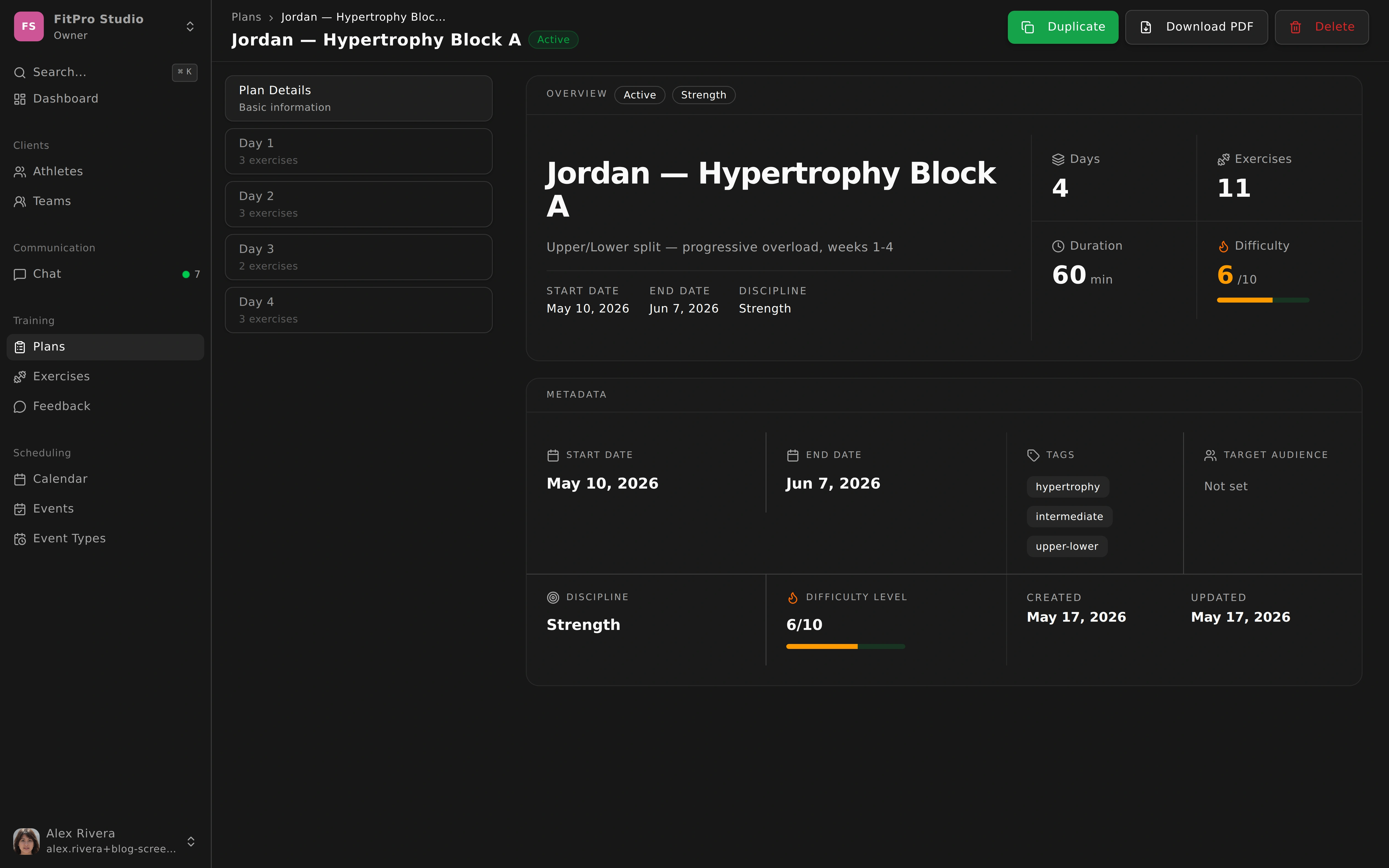
OwnFit helps structure plans in a way clients can understand at a glance: a plan contains days, days contain blocks, blocks contain exercises with clear parameters.
This hierarchy matters because it reduces cognitive load. Instead of asking “What am I supposed to do today?” the client sees exactly where they are and what comes next.
For each exercise, keep instructions practical: volume target, intensity guidance, rest times, and a short technical cue. When expectations are clear, completion rates rise naturally.
Reduce Friction at Assignment Time
A plan should move from creation to client execution in minutes.
Assign the plan, set a start date, and activate. The client sees the session immediately in-app, which removes lag between coaching decision and action.
This sounds simple, but speed at this stage is crucial. If activation is slow or messy, clients lose momentum right at the beginning.
Feedback Is What Turns Plans Into Coaching
Without feedback, programming is just publishing. With feedback, programming becomes adaptive coaching.
After sessions, clients can report actual loads, completion status, perceived difficulty, and relevant notes. This gives you context numbers alone cannot provide.
Maybe the prescribed load was right, but sleep was poor. Maybe one exercise keeps getting skipped because equipment is unavailable. Maybe intensity is too low and progress is stalling.
You cannot see these patterns if feedback lives outside your workflow.
Reusable Templates Without Generic Coaching
Templates are not the enemy of personalization. They are the foundation that frees your time for smarter adjustments.
Create high-quality base templates for common goals, then customize quickly per client needs: injuries, schedule constraints, skill level, and preferences.
This approach gives you both speed and specificity. You stop rewriting the same structure and spend more time on meaningful decisions.
The Real Goal: Reliable Execution
Clients do not need more complex spreadsheets. They need plans they can trust, understand, and complete.
When structure is clear, feedback is continuous, and adaptations are easy, adherence improves. And when adherence improves, results follow.
Great coaching is not only what you prescribe. It is what your clients can realistically execute every week.