Smart Scheduling: How to Reduce No-Shows and Fill Your Calendar
Reduce no-shows and improve calendar utilization with smarter booking rules, automated reminders, and practical scheduling habits for fitness professionals.
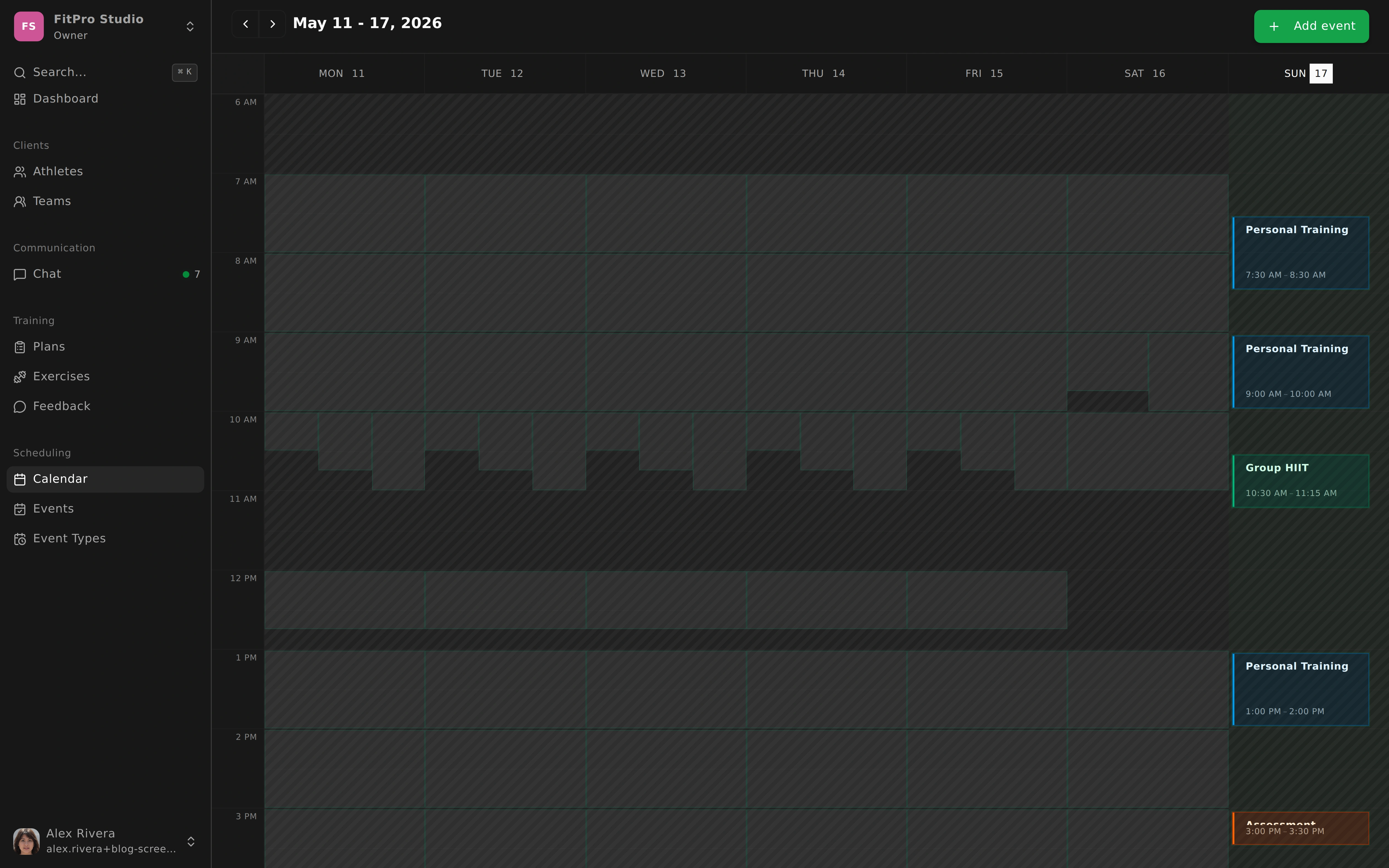
Reduce No-Shows and Fill Your Calendar
Every coach feels the same frustration when a client does not show up. You prepared the session, protected the time, maybe refused another booking, and now that hour is gone.
No-shows are not only inconvenient. They are one of the most expensive hidden leaks in a coaching business.
Why No-Shows Keep Happening
Most missed sessions are not about bad intent. They come from weak systems: unclear reminders, booking rules that are too loose, and schedules that do not account for how people actually plan their week.
If your process depends on manual follow-up, things break as soon as client volume grows.
That is why smart scheduling is less about “calendar tools” and more about operational design.
Use Reminders to Prevent, Not React
Automated reminders work best when they are timed with purpose. A reminder one day before gives room to reschedule responsibly. A reminder close to the session helps clients avoid last-minute forgetfulness.
The important part is specificity. Include session type, time, location or meeting link, and what to do if they need to change.
When clients know exactly what is happening and what their options are, attendance improves.
Design Event Types Around Real Services
Not every appointment should follow the same booking logic. A one-to-one session, group class, assessment, and online check-in have different duration, preparation, and value.
When each event type has its own availability and rules, your calendar reflects your business model instead of forcing everything into one generic format.
This leads to cleaner planning and fewer collisions between service types.
Protect Your Week With Better Rules
Good rules are not restrictive. They are protective.
A minimum notice window blocks chaotic last-minute bookings. Buffer time prevents back-to-back fatigue. Attendance policies reduce ambiguity around who can book. Waitlists help you recover cancellations faster.
Together, these settings reduce empty gaps and lower decision fatigue for both you and your clients.
Scheduling Habits That Work Long Term
Technology helps, but habits make the system reliable. Set realistic availability that includes admin and recovery time. Encourage recurring bookings for clients who benefit from consistency. Review your calendar data monthly to identify high-demand slots and weak windows. Offer online alternatives when travel or routine disruptions make attendance harder.
Small operational improvements compound quickly.
A Full Calendar Is Built, Not Hoped For
Most professionals treat no-shows as unavoidable. In reality, many of them are preventable with clearer communication and better booking architecture.
When scheduling is structured, clients commit more consistently and your workday becomes less reactive.
You do not need to micromanage every booking. You need a system that quietly protects your time while helping clients show up.